See our Based on 160+ verified buyers
⚡ NO APP · NO IT · NO CABLES

Wireless HDMI Transmitter & Receiver

Walk in, plug in, present - your laptop mirrors to any meeting-room TV or projector with no cables and no software. Dual-band 2.4G + 5G builds its own private link so it stays stable and doesn't fight your office WiFi - the plug-and-present experience teams pay thousands for, for a fraction of the cost.

$71.82 $119.80 Save 40%
30-Day TrialRisk-free returns
🚚 Fast ShippingTracked dispatch
No App / No ITPlug & play
1 Room Kit
$39.90
MOST POPULAR
3 Room Kits - Best value
$101.74
Save 15%
30-day returns
·
Secure checkout
·
Tracked shipping
·
Easy setup support
Ships by Mon, Jun 22
Free US Shipping
Plug & playGuided 4-step flow

Up and presenting in under 2 minutes

No app, no driver, no WiFi password - the two dongles auto-pair on their own.

01 Step 1
Plug RXPlug the HDMI receiver into your TV or projector and power it with the included USB-C cable
02 Step 2
Plug TXPlug the USB-C transmitter into your laptop - it powers straight from the port
03 Step 3
Auto-pairThe two dongles connect on their own over a private dual-band link in a few seconds
04 Step 4
PresentYour laptop screen appears on the big display - to swap presenters, just hand over the transmitter
Setup time may vary by display, laptop, and room environment.
Works with the screens you already have
USB-C Laptop Source
Dual-Band 2.4G + 5G
TVs, Projectors & Monitors
No App / No Driver
Compact + Extension Cable
Returns & Support

A two-piece wireless presentation kit that mirrors your laptop to any conference-room TV, projector, or monitor - with no cables stretched across the table, no app to install, and no IT setup.

The USB-C transmitter plugs into your laptop, the HDMI receiver plugs into your display, and the two auto-pair over a private dual-band link. It's built for offices, classrooms, training rooms, and consultants who present in rooms that aren't their own - the plug-in-and-present experience without enterprise pricing.

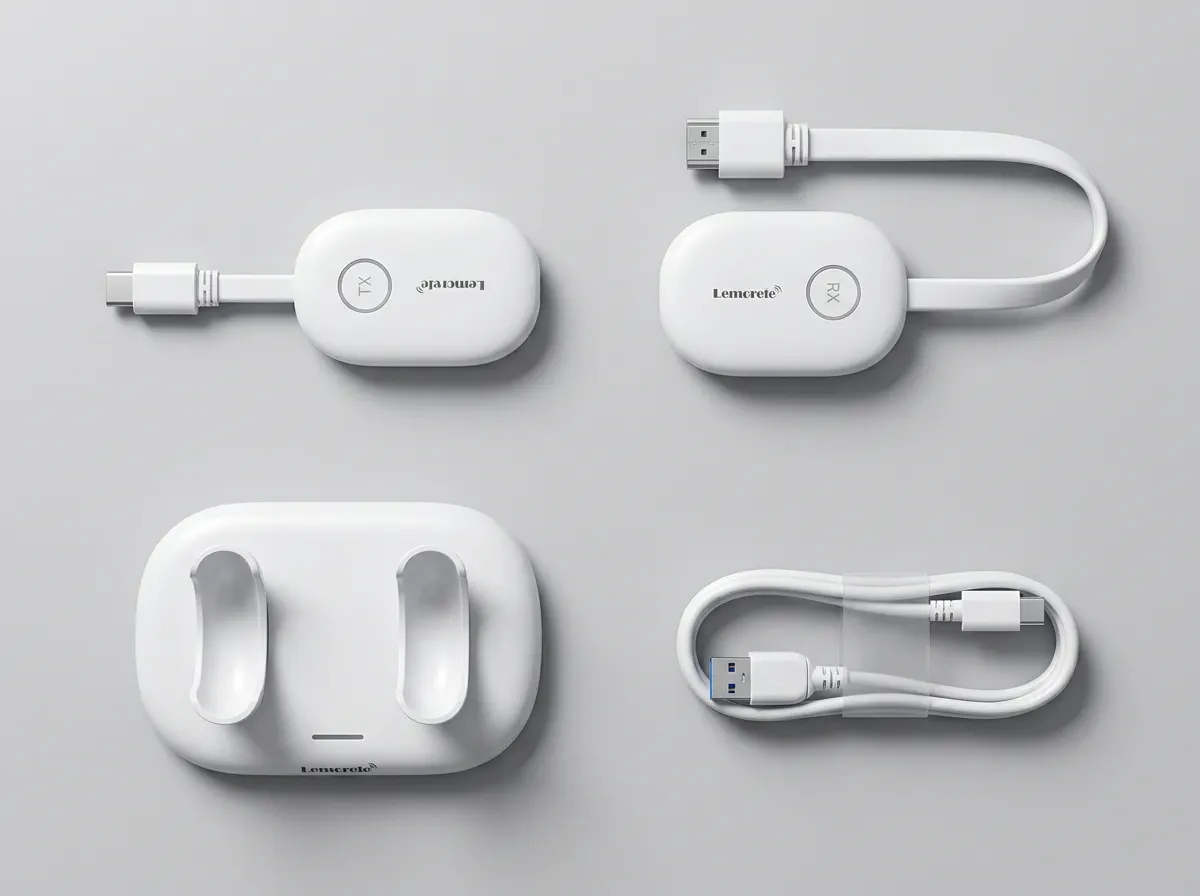
In the box: USB-C transmitter (TX), HDMI receiver (RX), charging/storage dock, USB-C power cable, HDMI extension cable.

Connectivity: Point-to-point wireless over dual-band 2.4G + 5G WiFi (a private link between the dongles - not your office network).

Source: USB-C laptop output. Display: standard HDMI input on TVs, projectors, and monitors.

Power: The receiver needs external power via the included USB-C cable; the transmitter draws power from your laptop's USB-C port.

Setup: Plug RX into the display → plug TX into the laptop → they auto-pair in a few seconds → your screen appears. No drivers, software, or internet required.

Works with any standard HDMI display - conference TVs, projectors, and monitors - and any laptop with a USB-C video output port.

The included HDMI extension cable helps when the display's HDMI port is tight against other ports or the wall. Best suited for presentation content (slides, documents, video calls); like all wireless HDMI there is a slight delay versus a wired cable, so it's ideal for presenting rather than fast-paced gaming.

Dispatched within 2 business days with tracked shipping. Most orders arrive within a few business days depending on your location.

Covered by a 30-day money-back trial - if it doesn't work in your room, return it for a refund. Includes a 1-year warranty and email setup support if you have any questions getting connected.

Trustpilot
Verified review profile
Customer review profile

Wireless HDMI Transmitter & Receiver

sofiasgarden.co · Verified order feedback

Verified feedback from offices, classrooms, and teams who set this up in their own meeting rooms.

4.8 Excellent
Based on Based on 160+ verified buyers

What real buyers say

D
Daniel R. Verified buyer · United States
Conference room finally just works

Plugged the receiver into our TV, the transmitter into a MacBook, and the screen was up in under a minute. No app, no IT ticket. This is exactly what we needed.

Verified purchase
K
Karen M. Verified buyer · United States
No more cable scramble before meetings

We used to start every meeting hunting for the right adapter. Now people walk in, plug in, and present. The whole team noticed the difference immediately.

Verified purchase
M
Marcus T. Verified buyer · Canada
Stable through a 40-minute deck

Was nervous after a bad cheap dongle last year, but this held a full client presentation with zero dropouts. Picture looked just like a wired HDMI cable.

Verified purchase
P
Priya S. Verified buyer · United States
Set up our training room in minutes

Bought it for a training room with a projector. No software to install, connected straight away, and the instructors who aren't techy can run it themselves now.

Verified purchase
G
Greg W. Verified buyer · United Kingdom
Great value vs the enterprise stuff

We were quoted thousands for a proper room system. This does the plug-in-and-present part for a fraction. Honestly hard to fault for the price.

Verified purchase
E
Elena D. Verified buyer · United States
Works with our older projector

Wasn't sure it would play nice with our projector but it connected first try over HDMI. The included extension cable saved us when the port was tight.

Verified purchase
T
Tom B. Verified buyer · Australia
Pocket presentation kit for client visits

I present in other people's rooms a lot. I carry both dongles in the dock and plug into whatever HDMI screen is there. Total game changer for consultants.

Verified purchase
S
Sandra L. Verified buyer · New Zealand
No drivers, no fuss

Genuinely plug and play. No download prompts, no network password needed. My team just hands the transmitter to the next presenter and they're up.

Verified purchase
V
Victor H. Verified buyer · United States
Sharp picture, easy hand-off

Slides and spreadsheets look crisp. Switching presenters is just unplug and pass it over. For meeting rooms this is exactly right.

Verified purchase
A
Aisha K. Verified buyer · Ireland
Cleaned up our conference table

No tangled HDMI cable across the table for people to trip on. Looks far more professional when a client is in the room, and setup took two minutes.

Verified purchase

What Buyers Say

Real reviews from verified buyers - 4.8 average across 160+ ratings
Karen M.
Verified Buyer
Plugged the receiver into our TV and the transmitter into a MacBook and the screen was up in under a minute
Sandra L.
Verified Buyer
Genuinely plug and play
Marcus T.
Verified Buyer
Was nervous after a bad cheap dongle last year, but this held a full 40-minute deck with zero dropouts
Victor H.
Verified Buyer
Slides and spreadsheets look crisp and the connection stayed solid
Elena D.
Verified Buyer
Wasn't sure it would play nice with our older projector but it connected first try
Priya S.
Verified Buyer
Works with our conference room TV
Greg W.
Verified Buyer
We were quoted thousands for a proper room system. This does the plug-in-and-present part for a fraction of the price
Tom B.
Verified Buyer
I present in clients' rooms constantly. Carrying both dongles in the dock and plugging into any HDMI screen has been worth every cent
Wireless Presentation Kit

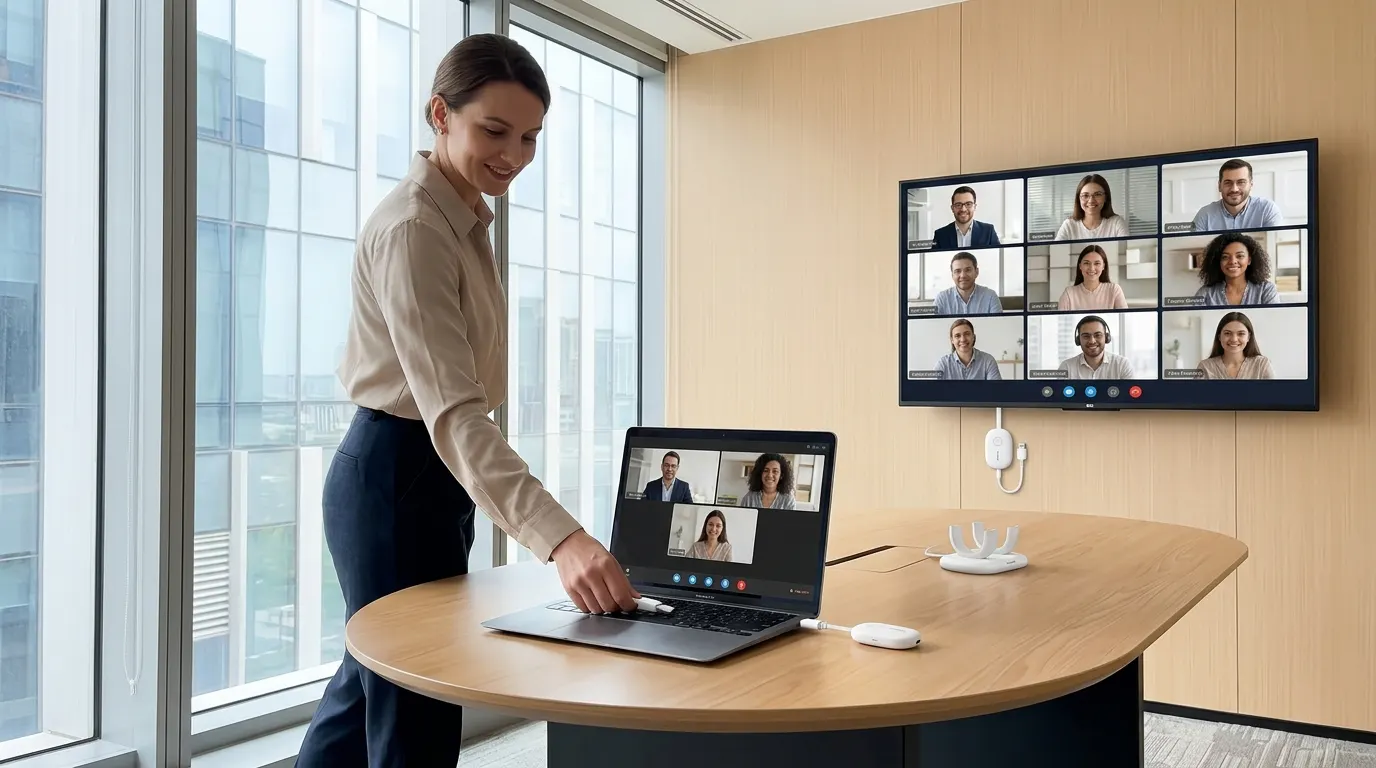
Walk in. Plug in. Present.

The meeting room that just works. No app, no driver, no IT ticket, no WiFi password. Mirror any laptop to your conference TV or projector in 60 seconds.

No software or internet Auto-pairing in seconds Stable dual-band link
4.8 · 160+ verified reviews
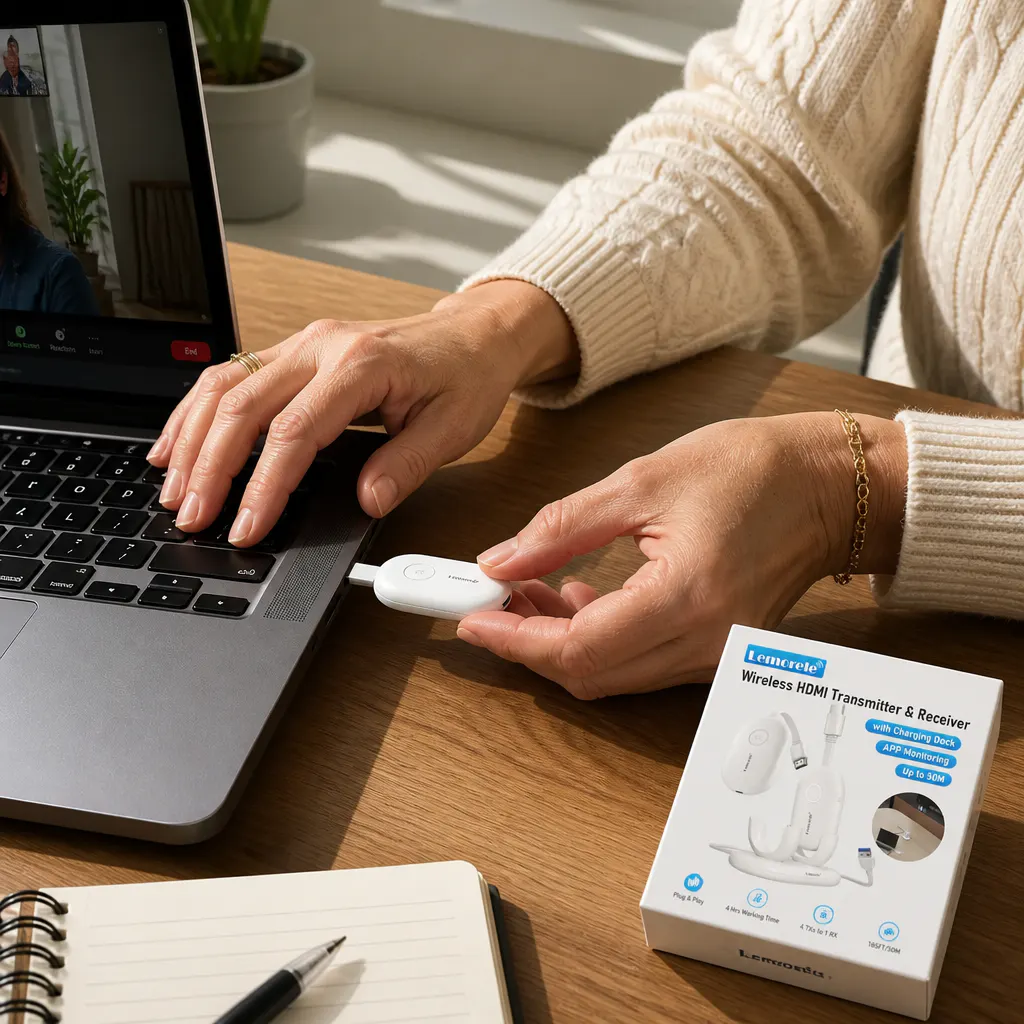
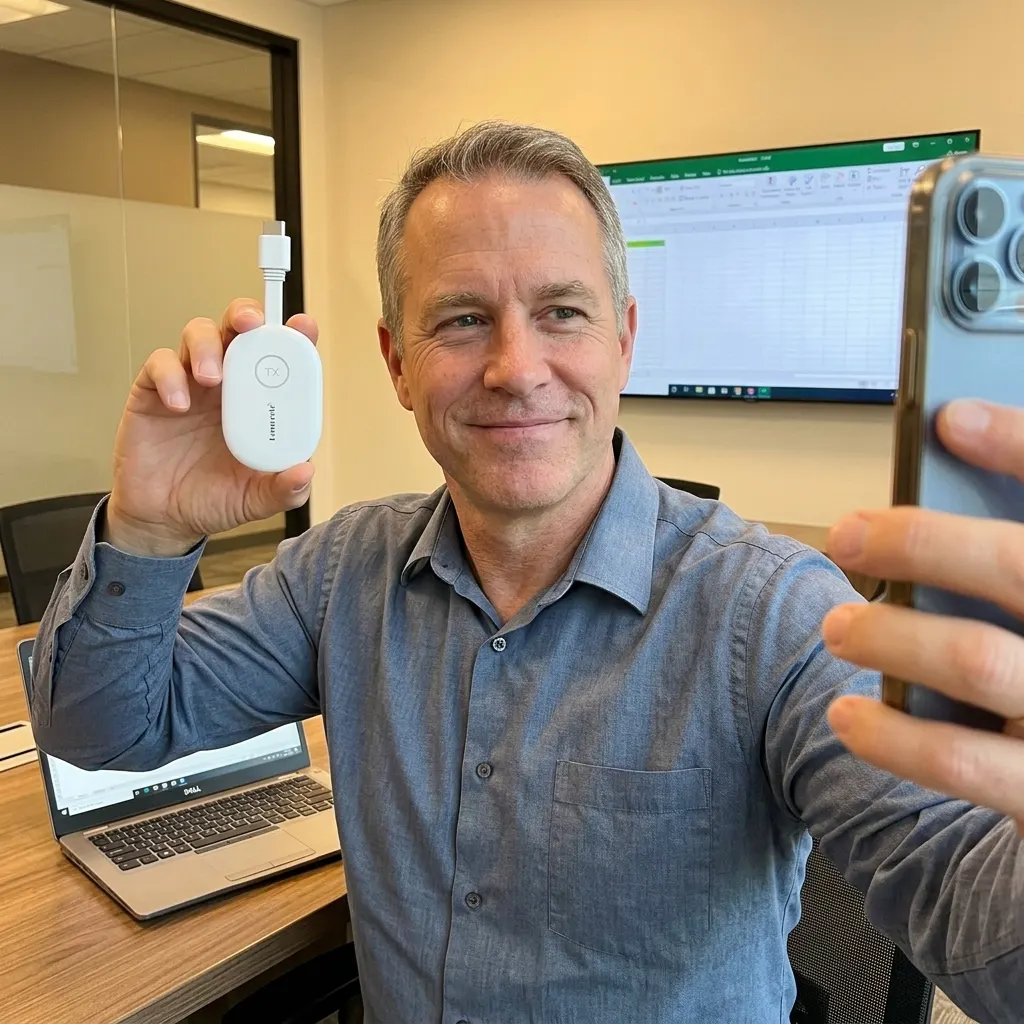
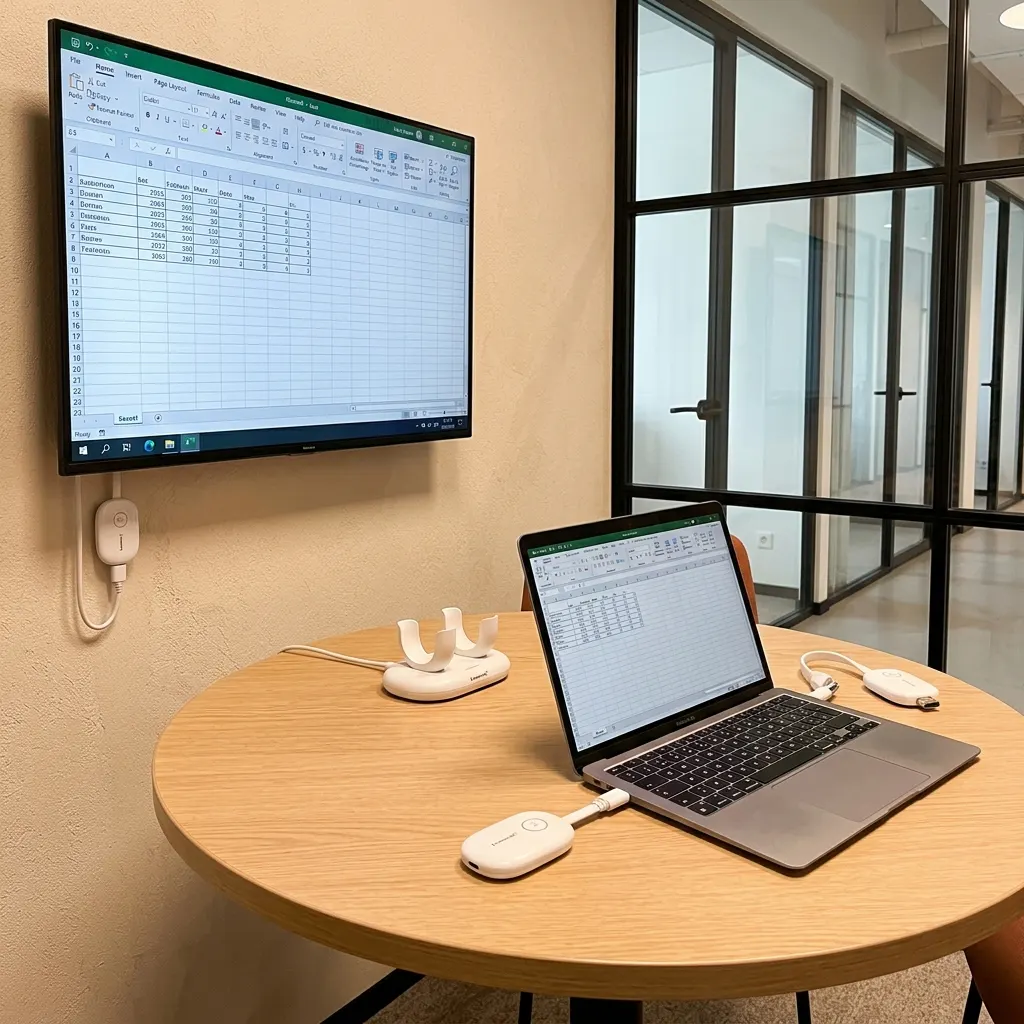
Wireless presentation kit mirroring a laptop to a conference room display
Zero IT required
 
 
Sound familiar?

Every meeting starts with the same four minutes of chaos.

9:55 AM. The client arrives at 10.

9:55 A rep messages: the conference room screen isn't working. Client's here at 10.
9:56 You walk over, untangle the HDMI cable. His MacBook has no HDMI port.
9:58 Hunt for the USB-C dongle. Someone tries AirPlay. It can't find the TV.
10:00 The client watches you fumble for four minutes before anything shows up.
Later You search 'wireless presentation for conference room' and 'ClickShare alternative cheaper.'

Someone always trips on the HDMI cable snaking across the table.

You tried AirPlay. It won't find the TV on the network. Again.

No HDMI cables to set up, trip on and take down. Just plug in and it's on the screen.

Verified buyer
 
 
Setup in under 60 seconds

Three plugs. No instructions needed.

If your team can plug in a phone charger, they can run this. No app to download, no settings to configure.

1

Plug the receiver into your display

Pop the HDMI receiver into any free HDMI port on your TV, projector, or monitor, then connect its power cable. That's the only outlet you'll need.

Works with any HDMI screen
2

Plug the transmitter into your laptop

Slide the USB-C transmitter into your laptop. It draws power straight from the port - no batteries, no extra cable to find.

Powered by your laptop
3

Your screen appears. Present.

The two dongles pair themselves in seconds over their own private link. Your slides, video, and spreadsheets show up on the big screen - sharp, just like a cable.

On screen in seconds
Why it doesn't drop

It builds its own private link. It isn't fighting your office WiFi.

Most cheap dongles share your building's crowded network and freeze the moment someone streams a video down the hall. This works differently.

The cheap-dongle trap

Fights your network. Drops when it's busy.

Bargain transmitters piggyback on your office WiFi. The more devices and traffic on that network, the more they stutter, lag, and disconnect - usually at the worst possible moment, mid-presentation, in front of a client.

This kit

A direct, dual-band link of its own.

The transmitter and receiver talk point-to-point on their own private dual-band connection - independent of your office network. It auto-selects the clearest channel across 2.4G and 5G, so a busy room doesn't slow it down.

2.4G+5G Dual-band auto-channel
164 ft Line-of-sight range

Stable, cable-free streaming

Held a full meeting with no dropouts, no buffering, no "can you still see my screen?"

Sharp, just like a cable

Crisp 1080p video and clean audio - the same quality as a wired HDMI run, minus the wire.


Plug it into anything

Works with the screens you already have.

If your display has a standard HDMI port and your laptop has USB-C, you're set. No special brand, no smart TV, no adapters.

Conference TVs

Any flat-screen with a free HDMI port - Samsung, LG, Sony, TCL, the lot.

Projectors

Classroom, boardroom, or church projectors with HDMI in. Big screen, no cable run.

Monitors

Turn a desk or wall monitor into a shared display for the whole room.

USB-C laptops

MacBooks and Windows laptops with USB-C. No HDMI port on your laptop? No problem.

Any standard HDMI input USB-C laptop source No smart-TV or app needed
Real rooms, real uptime

Offices, classrooms, churches - and it just keeps working.

4.8 average · 160+ verified reviews
Verified

Set it up once, forgot it existed

Plugged the receiver into our boardroom TV, dropped the transmitter in the dock, done. Easy setup, works great. Reps just walk in and present now.

Marcus T. setup
Marcus T.
Marcus T.
Office Manager, Denver
Verified

Sharp video, just like a cable

Honestly couldn't tell the difference from our old HDMI cable. Sharp video and audio, no lag on slides. Highly recommend this set instead of running a long cable across the room.

Priya S. setup
Priya S.
Priya S.
Training Lead
Verified

No more tripping on cables

We run a classroom, not an IT department. No HDMI cables to set up, trip on and take down. Teachers love it.

Derek K. setup
Derek K.
Derek K.
School AV Coordinator
Verified

Stable through a full service

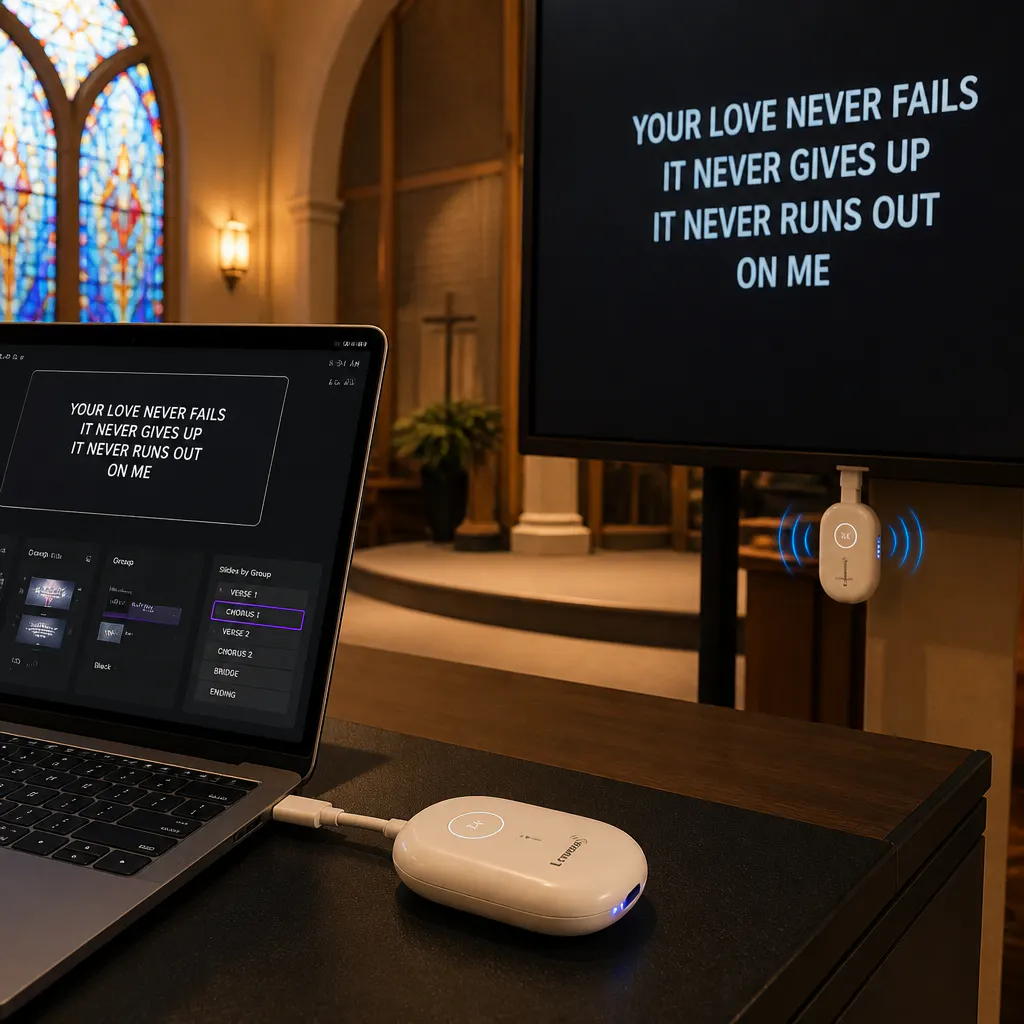
Use it every Sunday at our church for the sermon slides and lyrics. Stable cable-free streaming the whole time, never dropped once. The sale price made me move on it and I'm glad I did.

Linda R. setup
Linda R.
Linda R.
Church Media Volunteer
Verified

My pocket presentation kit

I consult and present in rooms that aren't mine. This lives in my bag. Walk in, plug into their HDMI display, my screen's up. Game changer.

Tony R. setup
Tony R.
Tony R.
Independent Consultant
Verified

Way cheaper than the quote we got

An AV vendor quoted us thousands for a wireless system. This was a fraction and does exactly what we needed for our huddle room. Easy setup, no IT ticket.

Sarah W. setup
Sarah W.
Sarah W.
Small Business Owner
 
 
The smart-value play

The ClickShare experience. Without the ClickShare price.

Enterprise systems like ClickShare and BenQ deliver the same walk-in-and-present moment. They also cost more than most teams can justify for a single room.

$2,000+
Enterprise system, per room
$300-500
Their replacement dongles
Same outcome
Plug in. Present. Done.
 
 
Complete wireless HDMI kit contents laid out
Everything in the box

Open it. It's all there.

Both dongles, power cables, a charging dock, and the HDMI extension cable that keeps the receiver from blocking your other ports. No surprise add-ons to buy.

USB-C Transmitter

Plugs into your laptop. Compact, powered by the port - nothing to charge.

HDMI Receiver

Plugs into your display's HDMI input, powered by the included USB-C cable.

Charging & Storage Dock

Holds and tops up both dongles between meetings so they're always ready.

HDMI Extension Cable

Keeps the receiver off your display so it never blocks the port next to it.


One kit, every room

Switch presenters in one move.

Hand off the transmitter and the next presenter is up in seconds. From training rooms to Sunday services, it keeps the room moving.

Training rooms
Training rooms

Three trainers, one screen, zero downtime

When the session changes hands, the next trainer plugs their transmitter in and they're live. No unplugging cables, no shuffling laptops at the front of the room.

Classrooms
Classrooms

A teacher's screen up before the bell

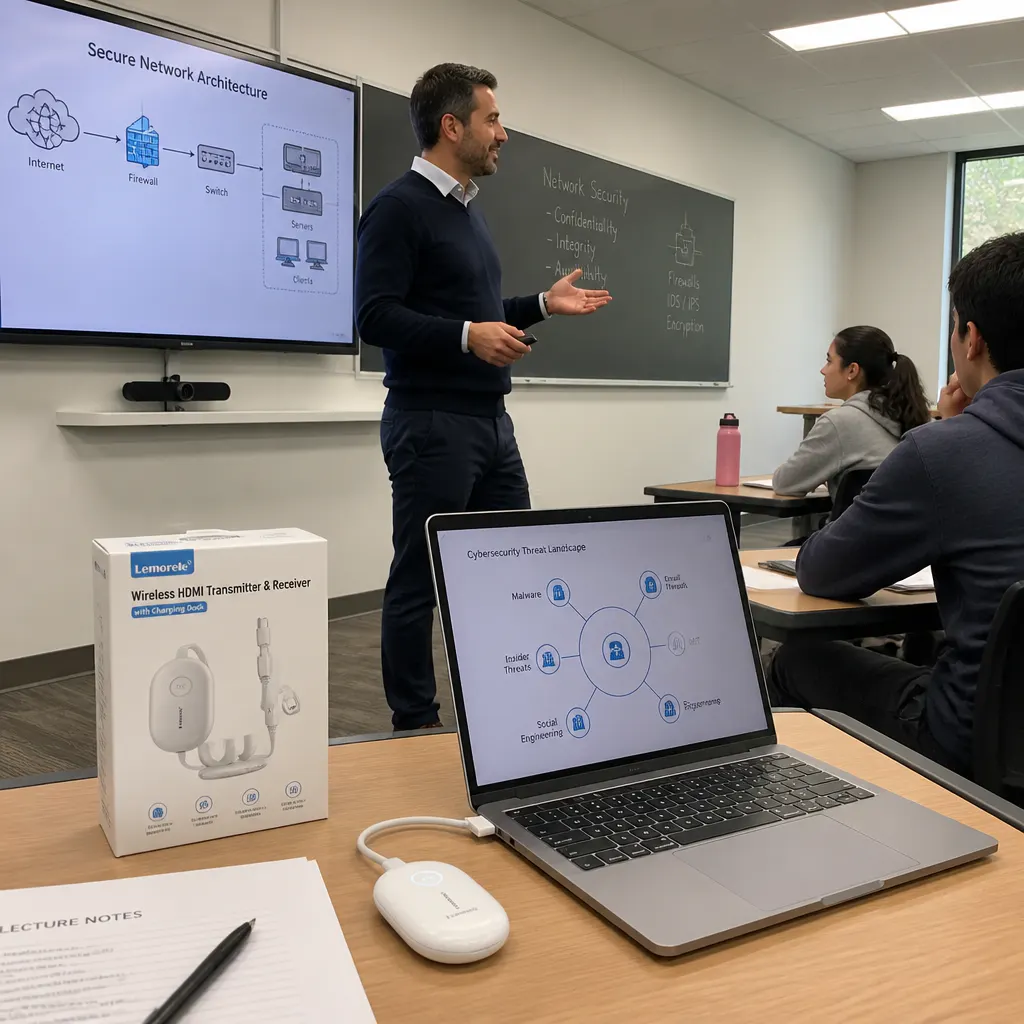
No cables to trip on, no adapter hunt at the start of class. The teacher walks in, plugs in, and the lesson's already on the projector. Built for rooms that don't have an IT department.

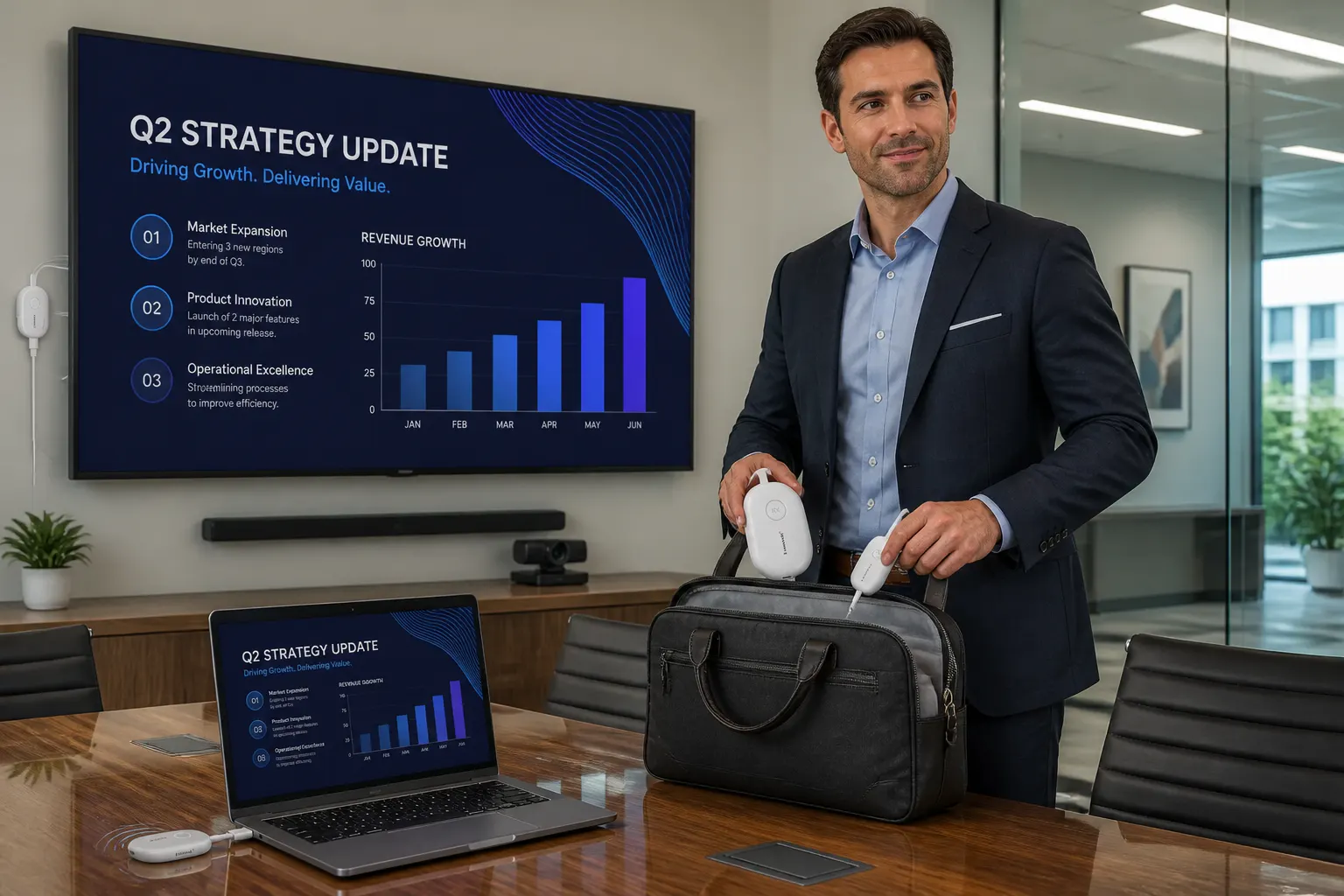
Churches & on the road

Pack it in a bag, set it up anywhere

Sermon slides on Sunday, or a consultant presenting in a client's boardroom they've never seen. The whole kit fits in a bag and works with any HDMI display you walk up to.


Before you buy

Your questions, answered.


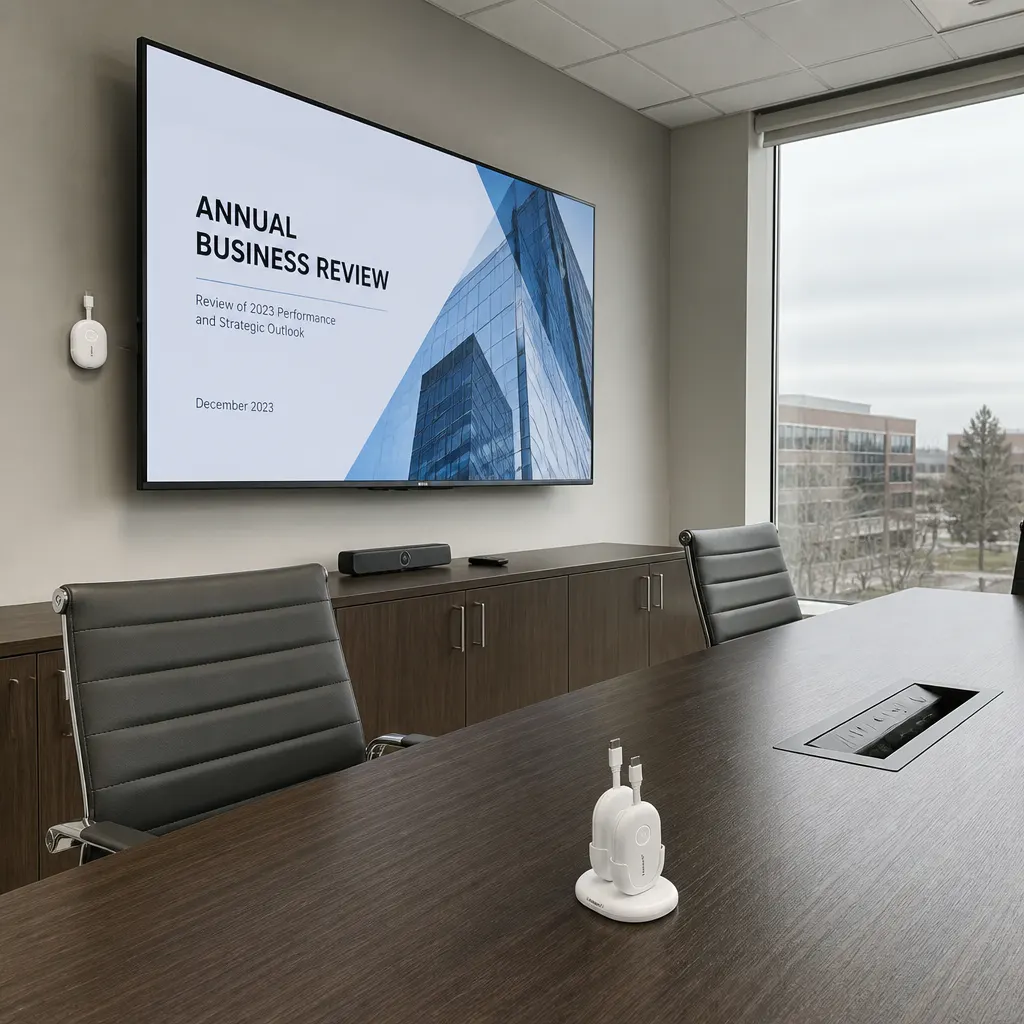
Clean modern conference room with screen up and no cables

Fix the meeting room. Today. Risk-free.

Try it in your own room for 30 days. If it doesn't make presenting effortless, send it back for a full refund. The only thing you're risking is one more meeting that fights you.

Make The Room Just Work
30-day money-back guarantee · Ships in 3-5 days · Backed by responsive support